Pick two clear portraits
Choose one clear photo for each adult performer. A visible face, natural expression and similar camera angle give the video model a stronger reference for keeping two people distinct.
 Hotel Lobby AI
TWO FACES. ONE MIC.
Hotel Lobby AI is a two-person video trend set in an orange-toned recording booth. Plan your duet here, then use two photos and the prompt in an AI video studio.
Make your duetTHE LOOK
Two subjects stand on opposite sides of one hanging microphone while the camera holds steady. One leads, the other reacts, and then they trade the moment. Friends, partners or family members can appear together even when their source photos were taken separately.
Plan that look with a structured prompt. Choose two portraits, decide who appears on each side, and add a little direction. Copy the text into Dreamina or another image-to-video tool, then upload your images there. Selecting photos here only creates local previews; this page does not generate a video.
Think of it as a short scene. A good result keeps each person recognizable, gives both people room and places the microphone between them. Orange walls, warm light and a steady camera unify the setup. Results vary with the model and photos, so review the clip before posting.
MAKE THE SCENE
Choose one authorized adult portrait for each side, add a short direction, and copy a prompt for the orange-booth duet. Your images stay in this browser until you upload them to the video studio yourself.
Starter prompt to copy
Turn TWO separate authorized adult portraits into a vertical 9:16 duet in a warm matte-orange recording booth. Preserve both faces and outfits. Keep person A full body on the LEFT and person B full body on the RIGHT, with one black microphone hanging at center. Person A performs first while B reacts, then switch. Use a locked centered camera, soft even light and restrained natural gestures. No face blending, side swaps, extra people, cuts, zooms, captions, logos or watermarks.
Your photos stay in this browser. Upload them again in the video studio.
THE PROCESS
Choose one clear photo for each adult performer. A visible face, natural expression and similar camera angle give the video model a stronger reference for keeping two people distinct.
Write a simple sequence: person A begins, person B reacts, then the lead changes. A fixed camera and small gestures usually make the first attempt easier to judge.
Open Dreamina, upload the same two photos and paste the copied prompt. Review identity, hands, the center microphone and left-right placement. If anything drifts, shorten the action and try again.
MAKE IT YOURS
The duet works best when the relationship between the two performers is easy to understand. Start with one moment, one camera angle and a clear handoff.
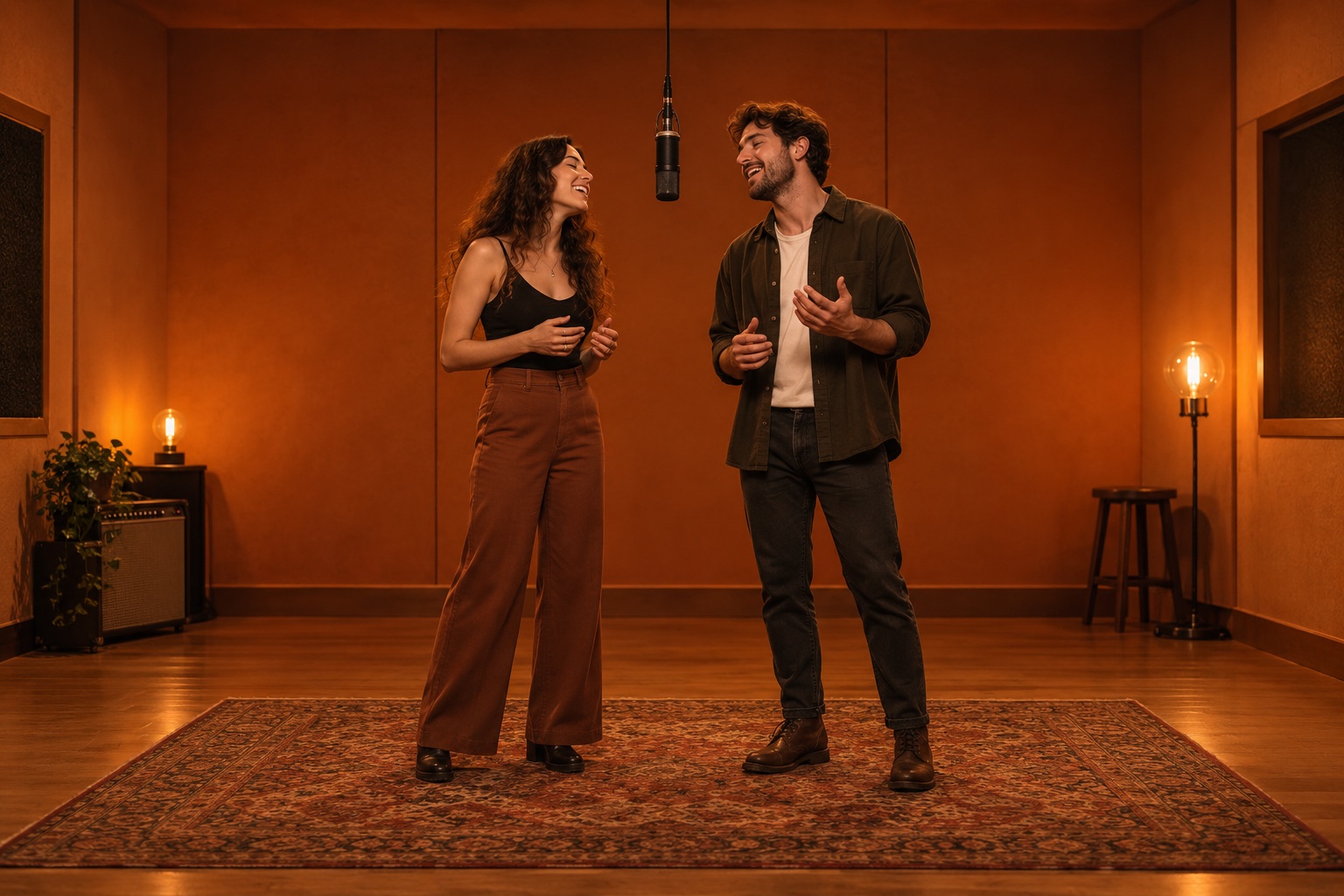
Make a call and response: one friend takes the first line, the other answers at the mic. Use eye contact, smiles and small gestures to show their connection.
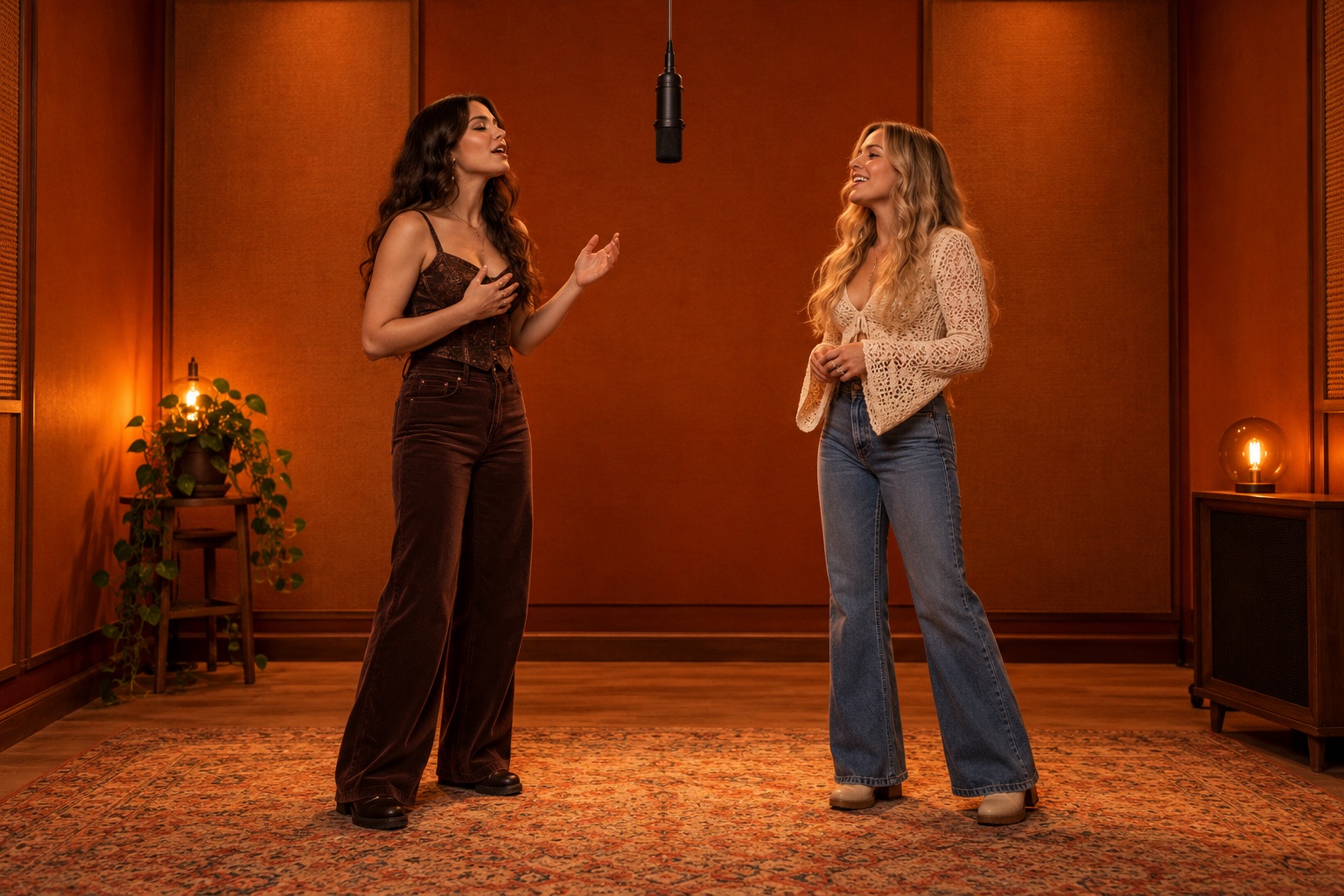
One sibling starts confidently; the other joins on the next beat. Keep them on opposite sides of the orange booth and let their expressions tell the story.
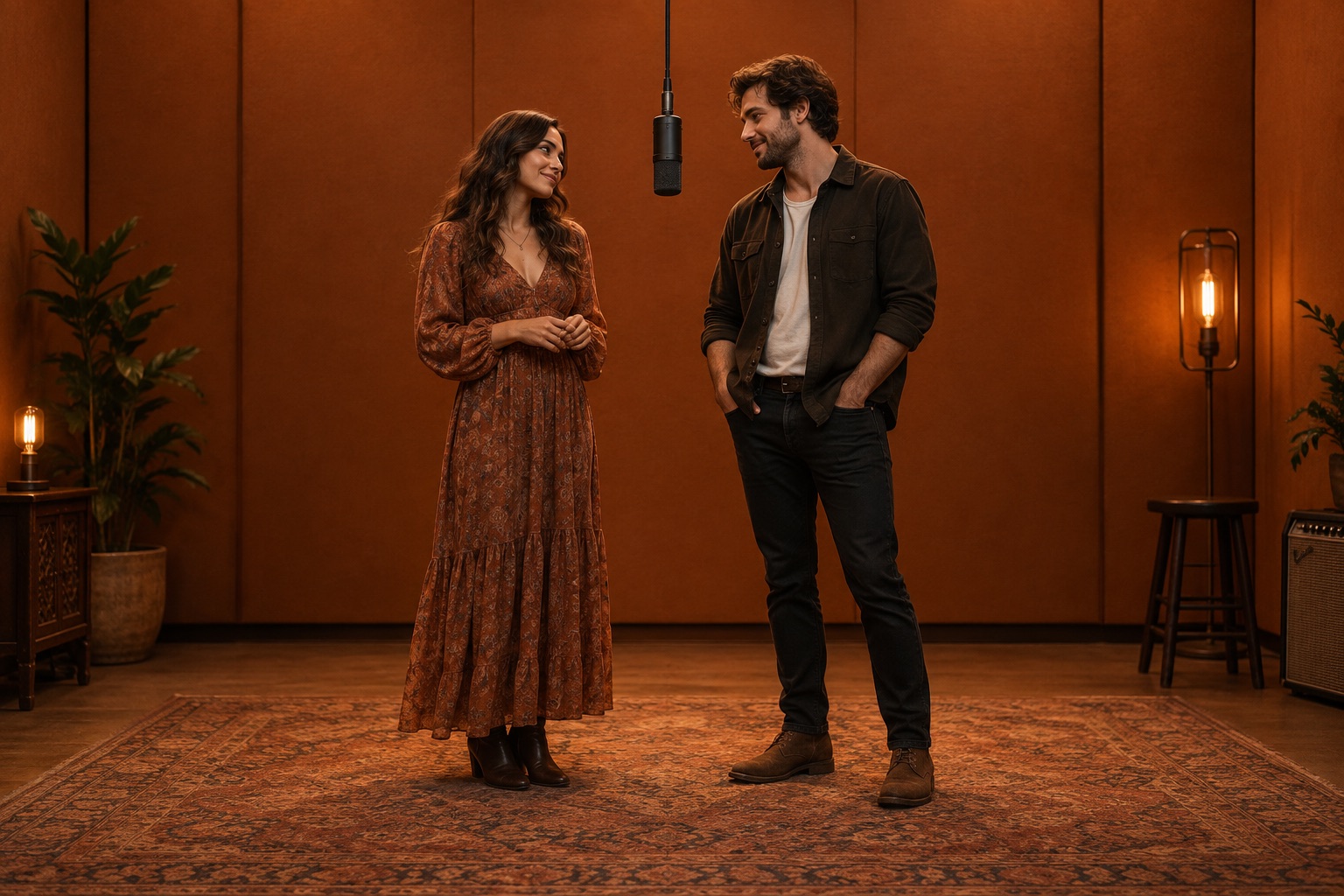
Give a couple a quiet first verse and a shared chorus. Keep the gestures small and let a glance across the microphone mark the moment they come together.
BETTER SOURCE MATERIAL
A precise prompt helps, but the photos you choose set the ceiling for the final scene. These checks can reduce common identity and composition problems before you generate.
Use sharp images with full faces and enough clothing to guide the scene. Avoid heavy filters, sunglasses, crowded backgrounds and cropped faces. Similar lighting and perspective can make the duet feel more consistent. If one portrait is a close-up and the other shows a full body, crop or replace one so the references match more closely. Neutral expressions leave more room for a believable reaction. Only transform images you have permission to use.
Describe one short exchange: a lead singer, a listening reaction and a handoff. Ask for natural mouth movement and small gestures while the camera stays centered. State whose lips move in each beat so the performers do not appear to sing the same line at once. Fast turns and sudden cuts can make faces or left-right positions harder to preserve.
Watch the clip before sharing. Confirm that A stays left, B stays right and the microphone stays between them. Check for warped hands, merged faces, extra people or changing outfits. Watch once with the sound off: the handoff should still make visual sense. If a face changes midway, shorten the scene before adding more movement. If the scene breaks, simplify your direction and try again.
PROMPT NOTES
For a Hotel Lobby AI duet, the starter prompt names the main visual anchors: a vertical 9:16 frame, a matte-orange booth, two separate people, one black microphone, soft light and a locked camera. It also asks the model to preserve faces and outfits and avoid side swaps, added people, captions and watermarks. These constraints give the generator a clearer shot list than a vague request to make two photos sing together.
Use the direction field for one creative detail, such as who starts the verse, when the second performer joins or how they react to each other. Keep it short enough that the key composition still leads. The copied text includes your added direction, but the photos are not attached to it. In the video studio, upload both images again and choose settings that support reference images and a vertical clip. If the first result has the wrong layout, change only one instruction at a time. You can then see which wording helped the next take.
GOOD TO KNOW
No. This page lets you preview two photos locally and copy a scene prompt. To generate a video, open Dreamina, upload the photos there and run the prompt. Generation depends on its available features and settings.
No. The photo boxes create browser previews and do not upload files to Dreamina. Select the same images again in the video studio. Check its privacy settings before uploading personal photos.
Yes. Use one clear reference for each adult, with A on the left and B on the right. Identity preservation depends on the generator and photos, so inspect the result.
Models can drift when references are unclear or actions are busy. Use visible faces, remove camera moves and describe a shorter exchange. Repeat left-right placement and request one continuous shot. A usable clip may take several tries.
Yes. The orange booth can frame a couple, friends or adult family members. Change the performance direction but keep identities separate. Get permission from everyone pictured and identify the result as AI-generated when sharing.
Yes. The local photo preview and prompt builder on this page are free. A third-party video generator may charge for the generation step, so check its pricing before you upload photos or start a render.
It is a two-person duet scene in an orange recording booth. One person starts a line beside a hanging microphone, and the other responds. Creators often use two separate photos to plan a shared AI video scene.
Yes. The prompt is tool-agnostic. Use any image-to-video tool that accepts two reference photos and supports a vertical 9:16 clip. If you prefer Higgsfield AI, check that its current workflow offers those options before generating.
Choose your two performers and make the lobby scene your own.
Make your duet