Hotel Lobby CapCut Template: Where to Find It + an Easier Way
How to find a Hotel Lobby CapCut template, what it can and cannot do, and the easier way to make the two-person AI duet from two photos.
 Hotel Lobby AI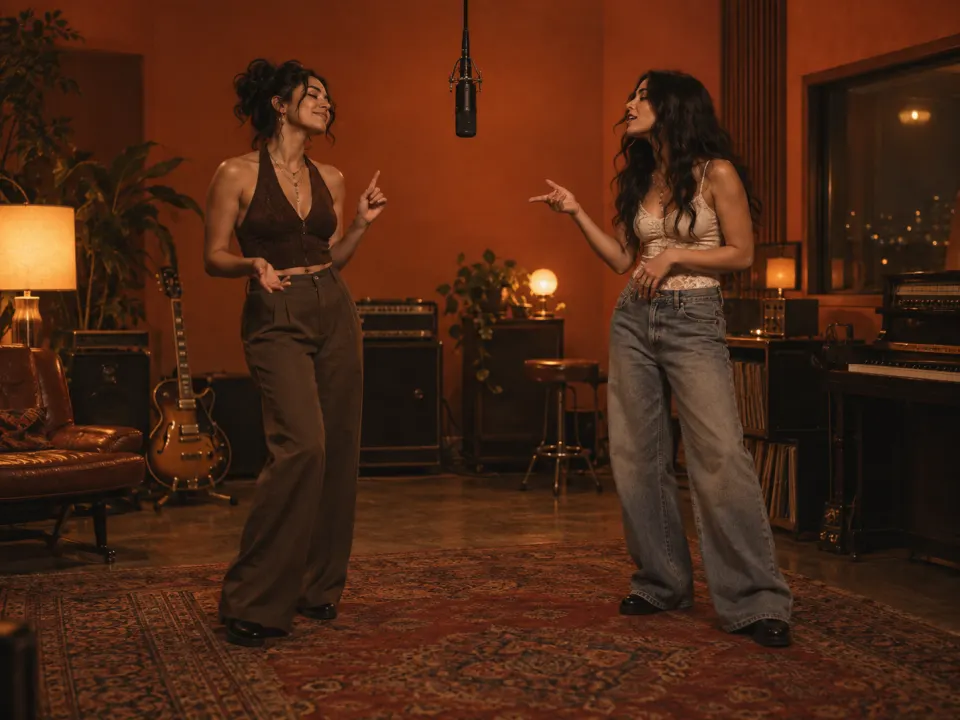
The short answer: you can find Hotel Lobby CapCut templates by searching "hotel lobby" in CapCut's Templates tab, or by tapping the template link on a TikTok video that used one. Templates are great for quick edits with the song. But most of them don't generate a new performance. If you want two real people singing in the orange booth, an AI generator like Hotel Lobby AI is the easier route: upload two photos and get the finished video.
How to find a Hotel Lobby CapCut template
There are two reliable ways:
- From TikTok. Open a Hotel Lobby video you like. If it was made from a template, there is usually a CapCut "Try this template" link above the caption. Tap it to open the template in CapCut.
- Inside CapCut. Open the app, go to Templates, and search for "hotel lobby." Sort by popularity and preview a few — templates with the most uses are usually the most stable.
Then tap Use template, pick your photos or clips, and export.
Keep in mind that templates are made by users. They get renamed, removed or replaced as the trend moves on, so the exact template you saw last week may not be there today. Some also need a paid CapCut plan, and availability can vary by region.
What a CapCut template can and can't do
| CapCut template | Hotel Lobby AI | |
|---|---|---|
| What you upload | Photos or clips for fixed slots | One portrait per person |
Two people in the orange booth | Only if your own footage already shows that | Yes — generated from two separate photos |
| People actually perform | Usually zooms, cuts and effects on stills | Yes — moves and lip-sync transferred |
| Audio | Included in the template | Included |
| Best for | Quick edits, captions, extra effects | The real two-person duet |
Not for: if you want to add captions, stickers or your own transitions, CapCut is the better editor. You can do both — generate the duet first, then finish it in CapCut.
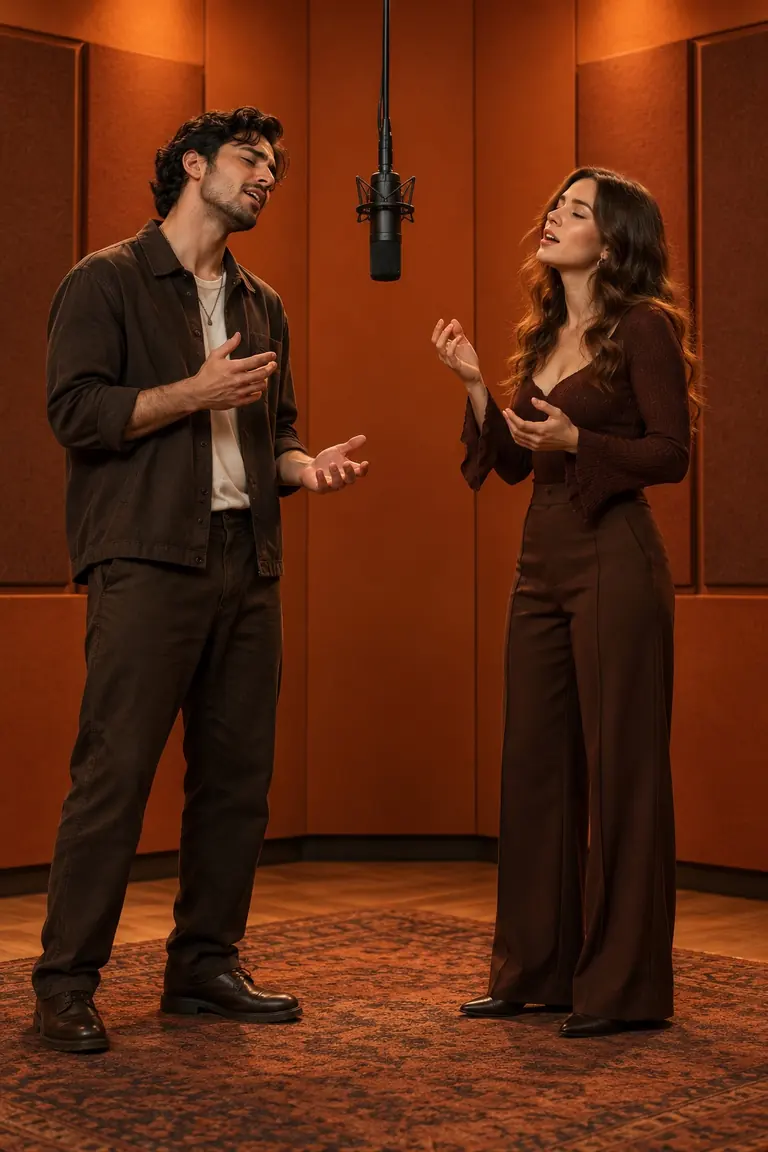
What an AI duet adds: both people placed in the booth, then animated.
The easier way: two photos to a finished duet
If no template gives you the look you want, skip it:
- Open the Hotel Lobby AI generator and sign in.
- Upload person A (left) and person B (right) — one clear portrait each.
- Pick Classic or Full body framing and an 8- or 15-second length.
- Press Generate. The scene is ready in under a minute and the video in about 3–5 minutes.
- Download the vertical MP4 with audio. Post it as-is, or open it in CapCut to add captions.
Failed generations are refunded automatically. For photo tips and fixes, see How to Make the Hotel Lobby AI Video.
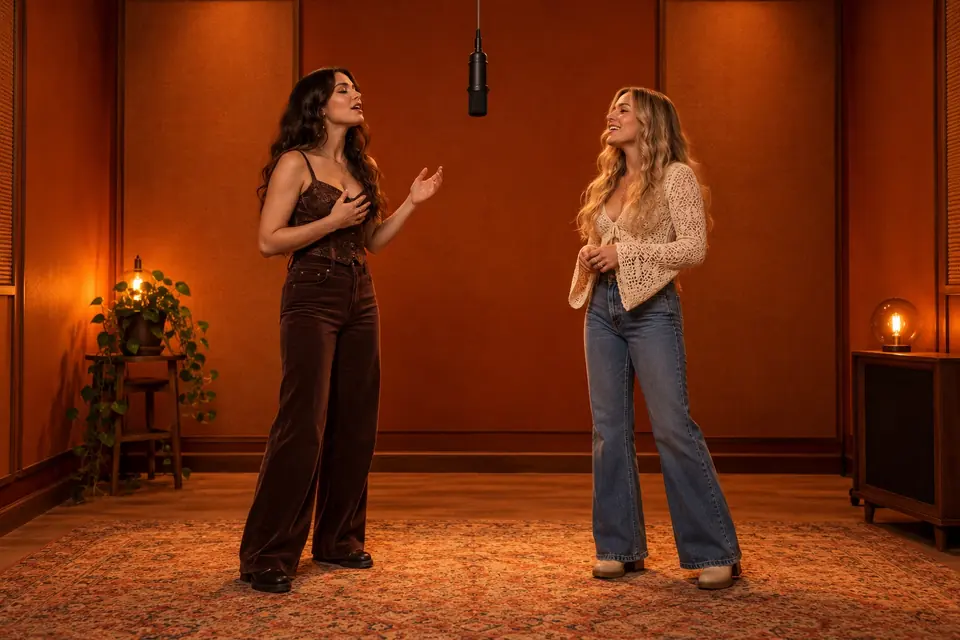
Siblings, friends or couples — two separate photos are enough.
FAQ
Is there an official Hotel Lobby CapCut template? No single official one. Templates are made by CapCut users, and new ones appear as the trend spreads.
Why can't I find the template I saw on TikTok? It may have been removed or renamed, or it may not be available in your region. Search "hotel lobby" in CapCut's Templates tab for current options.
Can a CapCut template put me and a friend in the orange booth? Only if your clips already show that. To generate the scene from two separate photos, use an AI generator.
Can I edit the AI video in CapCut afterwards? Yes. Download the MP4 and import it into CapCut like any other clip.
Skip the template hunt — make your Hotel Lobby duet from two photos.