How Do You Do the AI Trend Hotel Lobby? A Step-by-Step Guide (2026)
The Hotel Lobby AI trend puts two people at one hanging mic in an orange booth. Here is where it came from, what you need, and the fastest way to make your own.
 Hotel Lobby AI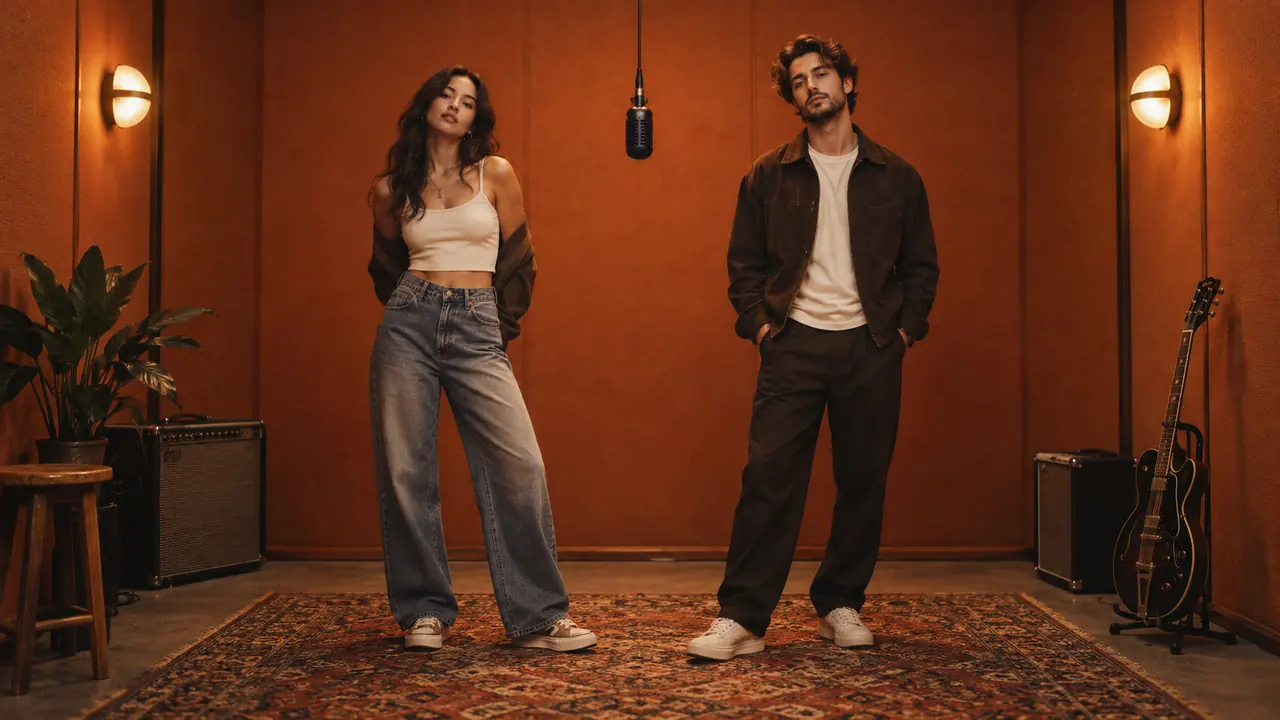
The short answer: to do the AI trend Hotel Lobby, you need two photos — one for each person — and a tool that puts both of them into the orange recording booth, then animates them with the original moves and audio. On Hotel Lobby AI that is three steps: upload person A and person B, pick the framing, press Generate. The finished vertical video is ready in about 3–5 minutes.
The rest of this guide covers where the trend comes from, what makes a good take, and how the main ways of making one compare.
What is the Hotel Lobby AI trend?
The trend copies a real performance. On June 17, 2022, the COLORS YouTube channel released Quavo and Takeoff performing "Hotel Lobby" against a flat orange backdrop, trading lines on one microphone hanging from the ceiling. In September 2026, creators on TikTok and X started using AI video tools to swap the two rappers for friends, couples, siblings, celebrities and even pets — keeping the original moves, lip-sync and audio.
What makes a clip read as "Hotel Lobby" is a short list of visual anchors:
- An orange booth — matte, warm walls with soft light.
- One hanging microphone in the exact center, at face level.
- Two people on opposite sides, one leading and one reacting, then trading the moment.
- A locked camera in a vertical 9:16 frame, ready for TikTok, Reels and Shorts.
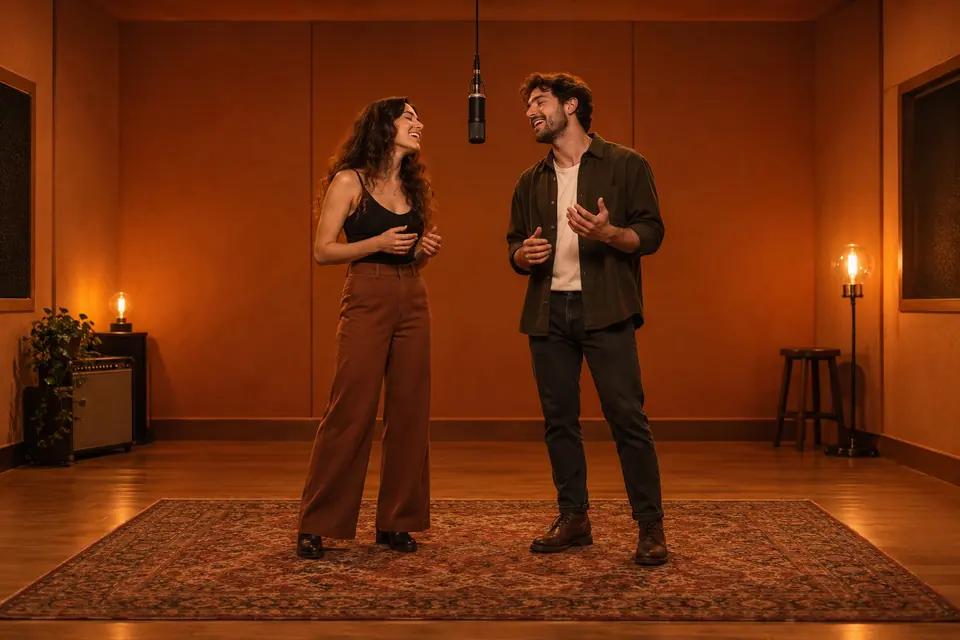
The look everyone recognizes: two people, one mic, an orange booth.
What you need before you start
- Two clear portraits. One photo per person, face fully visible, no sunglasses or heavy filters. They can be taken separately — the tool places both people in the same scene.
- Permission from both people. Only use photos you are allowed to use. For a child, you must be their parent or legal guardian.
- About five minutes. The scene arrives in under a minute; the animated video takes about 3–5 minutes.
You do not need CapCut, a video editor, or the original song file. The audio comes with the performance.
How to do the AI trend Hotel Lobby, step by step
- Open the studio. Go to the Hotel Lobby AI generator and sign in.
- Add person A and person B. Person A goes on the left, person B on the right. Swap the photos if you want the other person to lead.
- Pick the framing and length. "Classic" frames both people from the knees up; "Full body" shows them head to toe. Both are vertical 9:16. Choose an 8-second or 15-second clip.
- Add an optional styling note. Keep it to one detail — "both wearing sunglasses" or "matching black jackets". The booth, mic and positions are already handled.
- Press Generate. Confirm consent, pick a plan if you have no credits yet, and the orange-booth scene with both people appears in under a minute.
- Wait for the animation. The Hotel Lobby performance and audio are transferred onto your two people in about 3–5 minutes. You can close the page — the video is saved to My videos.
- Download and post. You get an MP4 with sound, ready to upload as-is.
If a generation fails, the credits go back to your balance automatically.
The ways to make it, compared
There are three common routes. They differ mainly in how much editing you do yourself.
| Route | Two separate photos | Audio included | Editing needed | Best for |
|---|---|---|---|---|
| CapCut-style template | Usually one photo or a face swap | Yes | Some | A quick single-person joke |
| General AI video tool (image + prompt) | Depends on the tool | Often no — add it yourself | A lot: prompt, retries, audio sync | Creators who want full control |
| Hotel Lobby AI | Yes — one per side | Yes | None | Two real people, ready to post |
Not for: if you want to change the song, the room, or the choreography, a general AI video tool gives you more freedom — at the cost of building the scene and syncing audio yourself.
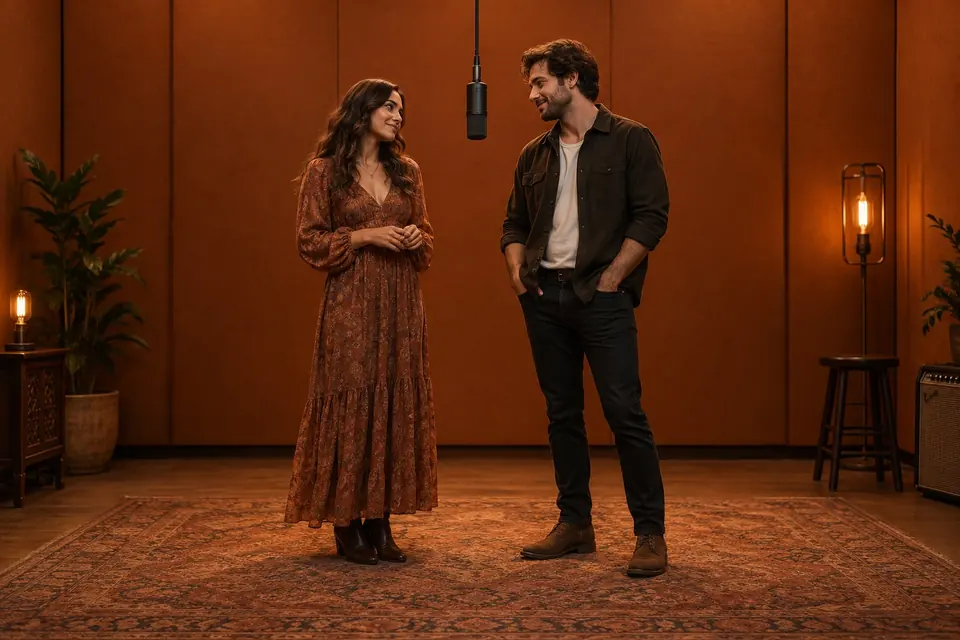
Couples work well: a quiet first line, then a glance across the mic.
Ideas that work for the trend
- Best friends: call and response — one takes the first line, the other answers at the mic.
- Siblings: one starts confidently, the other jumps in on the next beat.
- Couples: a soft first verse and a shared chorus; let a glance mark the handoff.
- Parent and child: keep it playful, and only with your own child.
Tips for a better first take
- Use portraits with similar lighting and angle. A close-up next to a full-body shot is the most common cause of mismatched scale.
- Neutral expressions leave room for believable reactions.
- Watch the preview once for left-right placement and the mic in the center before animating.
- Watch the final clip once with the sound off — the handoff should still make visual sense.
FAQ
Is the Hotel Lobby AI trend free to do? Each video uses credits. You can buy a one-time credit pack in the pricing section — no subscription required — and failed generations are refunded automatically.
Can I do the trend with two photos taken at different times? Yes. That is the main use case — one photo per person, and the tool puts them in the same booth.
How long is the video? Choose 8 or 15 seconds. Both are vertical 9:16 with audio.
Can I post it on TikTok or Reels? Yes. The MP4 is already vertical with sound. Label it as AI-generated when you share it.
Where can I learn more about making the video itself? Read our companion guide, How to Make the Hotel Lobby AI Video, for photo choices, prompts and fixes.
Ready to try it? Upload two photos and make your duet.